UK STREAMING EXPLAINED

What is IPTV?
The Complete UK Guide.

IPTV delivers live television and on-demand cinema directly over high-speed broadband.
Discover how streaming feeds and media player applications work together, and what you need to start streaming.

What is IPTV and How Does it Function?

IPTV delivers broadcast television over high-speed broadband rather than satellite dishes or cables. You need a broadband connection (minimum 25-30 Mbps), a streaming screen (Smart TV, Firestick, or Apple TV), an IPTV player app, and an active pass from Subscription IPTV UK.

Can I watch Saturday 3:00 PM Premier League matches live?

Yes, absolutely. Under UEFA Article 48, domestic UK broadcasters (Sky Sports and TNT Sports) are legally prohibited from broadcasting football matches between 14:45 and 17:15 on Saturdays. However, all 380 Premier League games are produced live with English stadium commentary for global networks. Subscription IPTV UK provides uninterrupted access to these international 4K feeds (such as Peacock, Optus Sport, SuperSport, and DAZN), allowing you to watch every single 3:00 PM kick-off live without blackouts.

Do I need to pay the £169.50 UK TV Licence fee?

The UK TV licence (£169.50 per year) is enforced strictly for viewing live BBC broadcast channels or streaming via BBC iPlayer on domestic equipment. Households watching on-demand streaming, international sporting feeds, and foreign channels on IPTV save £169.50 annually while avoiding expensive cable television contracts.

What is the difference between Live TV and VOD?

Live TV follows scheduled real-time broadcast timetables (news, live sports fixtures). VOD (Video on Demand) lets you click and stream over 250,000 blockbuster movies and box sets whenever you choose. Explore our channels directory for full genre lists.

Is an IPTV player app the same as the subscription pass?

No. Media player apps (TiviMate, Smarters Pro) are software engines that decode video streams. Subscription IPTV UK provides the streaming broadcast content. Consult our devices guide and setup walkthrough for app instructions.

Can I test the service before subscribing?

Yes. We offer an instant 24-hour free trial on WhatsApp with zero card details required. Test your favourite British channels, live sports, and movie catalogues on your home broadband.

How many screens can I watch at the same time?

Standard passes include 1 simultaneous connection. You can register your pass across multiple devices, but stream one at a time. Multi-room passes for 2–3 screens are available on WhatsApp.

Does my subscription renew automatically?

No. There are zero recurring card debits. You pay a single upfront amount for 3, 6, 12, or 24 months (£29, £39, £54, £99). View our pricing matrix or read how to order.

What equipment do I need to get started?

You need any smart screen (Smart TV, Firestick, Apple TV, PC, tablet, phone), broadband internet, and a media player app. We provide Xtream Codes API and M3U links upon activation.

How do I verify specific channels or sports?

Search our interactive catalogue or message our team on WhatsApp with your requested sports leagues or network names. Our team verifies transmission feeds in real time.

Are all channels broadcast in 4K resolution?

Live sports and premium cinema are streamed in uncompressed 4K UHD (50/60 fps) and 1080p Full HD. Legacy SD broadcasts remain in standard resolution matching native transmission.

Do I need a credit card for the free trial?

No credit card required. Free trials are issued with zero payment details. One test per household.

Is the player application licence included?

Independent player software licences (e.g. TiviMate Lifetime) are purchased directly from app developers. Many excellent players like IPTV Smarters Pro are completely free.

How do I receive technical support?

Contact our 24/7 technical team on WhatsApp with your device model and error description. Follow our step-by-step troubleshooting guide for quick fixes.

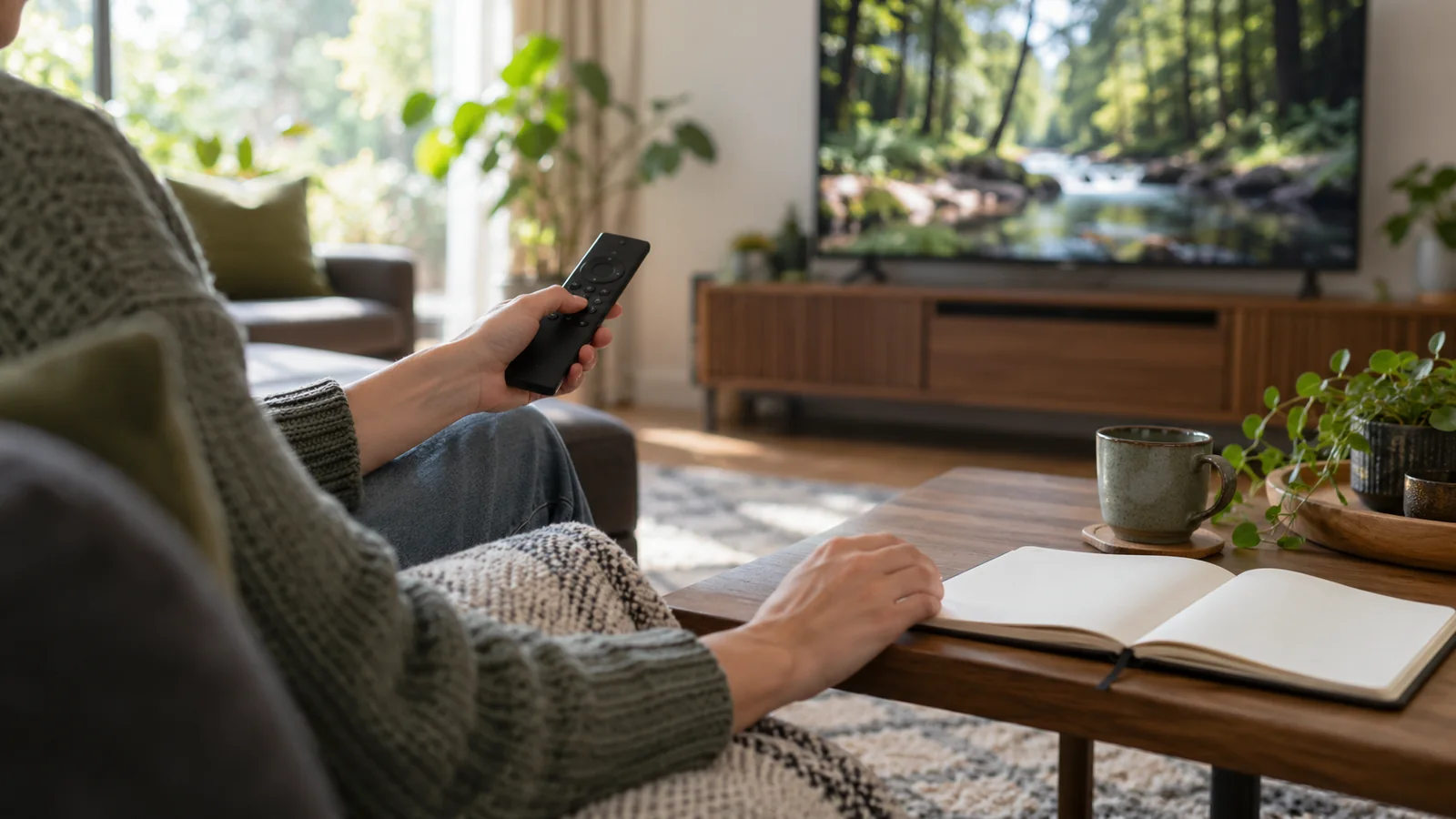
IPTV guide illustration: TV remote control and notes on modern home entertainment.
Explore streaming features and test your home hardware before placing an order.

IPTV vs Traditional Streaming Apps

Mainstream streaming apps (Netflix, Prime Video) only host on-demand titles in closed walled gardens. IPTV combines real-time live television, 24/7 sports satellite feeds, and complete on-demand catalogues in one interface.

Whether you watch Premier League 3pm kick-offs, international news, or 4K drama series, IPTV unifies your entire viewing experience across all household screens.

Catch-up features allow you to rewind and replay programmes broadcast within the past 7 days on supported channels, while VOD lets you watch blockbuster releases at your convenience.

What is an IPTV Playlist?

An IPTV playlist points your media player to live broadcasting streams hosted on high-bandwidth CDN networks. It syncs category folders, EPG listings, and high-definition streams on the fly.
Understanding Login Accounts & Credentials

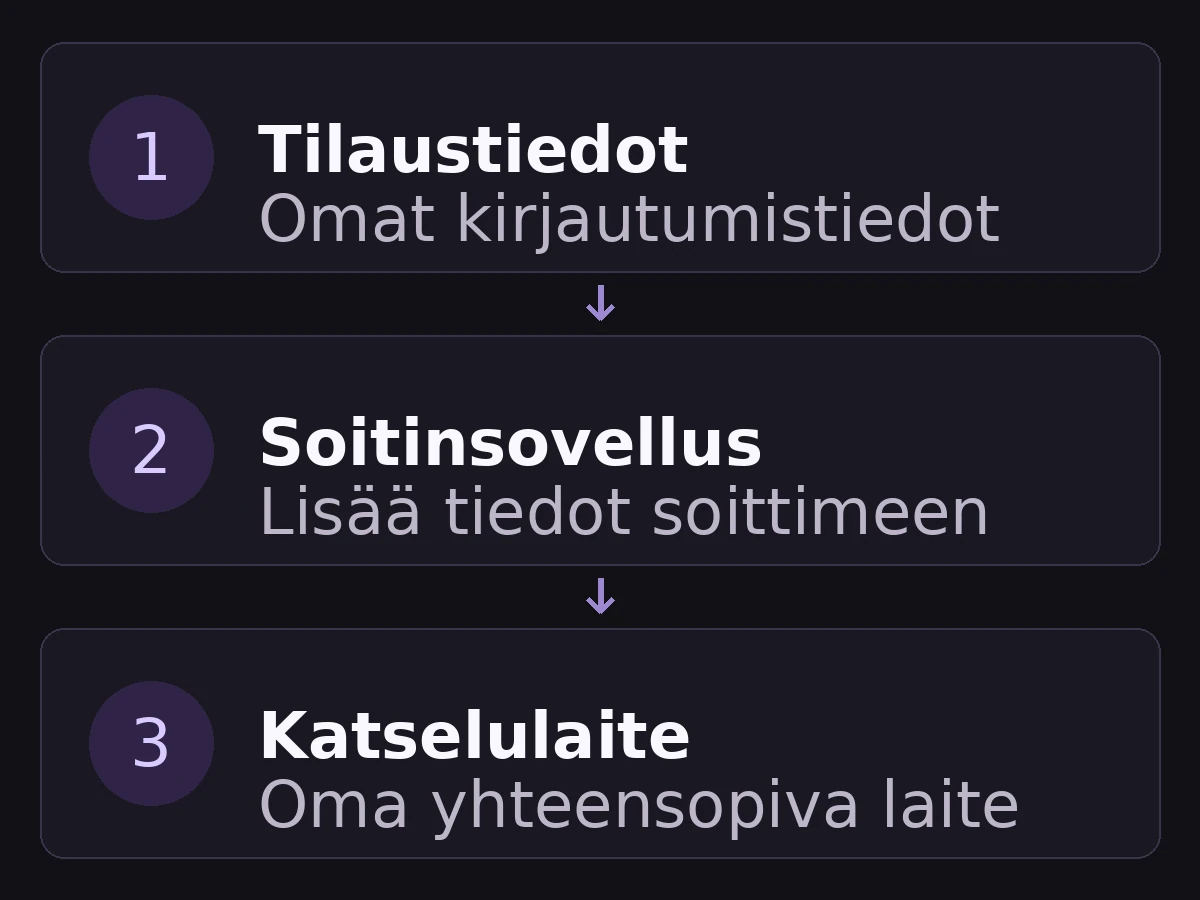
App store accounts handle application downloads. Your Subscription IPTV UK credentials (Xtream API / M3U) connect the live streams. Keep credentials stored safely.

How IPTV works diagram: streaming credentials loaded into media player app on smart television.
Conceptual diagram. Streaming pass, media player app, and television display are independent layers.

When comparing streaming options, evaluate three components: what content is included in your pass (e.g. 35,000+ channels and 4K sports), what features your player provides (EPG, catch-up, multi-view), and what your TV screen supports.

Never input personal banking or unrelated account passwords into your IPTV app. Enter only the Server URL, Username, and Password provided in your activation message. Check our setup walkthrough for step-by-step guidance.

What is the Difference Between the Player and Subscription?

If an app store confirmation appears but no channels display, check your receipt. Upgrading a third-party player app to "Pro" only unlocks interface features; you still need active credentials from Subscription IPTV UK to connect channels.

Our 24-hour free trial lets you test the complete chain: open your player, enter your test credentials, and experience live broadcast quality before making a financial commitment.

Why Does Broadband Work, but the Stream Buffers?

Opening a regular web page requires minimal bursts of data, whereas uncompressed 4K video streams require constant sustained throughput without packet loss. Buffering is typically caused by ISP traffic filtering or Wi-Fi interference.

Connecting your TV via Ethernet cable or enabling Cloudflare DNS (1.1.1.1) in your router settings eliminates artificial ISP throttling in seconds.

Do I Need a New TV or a Dedicated Set-Top Box?

No new TV is required. If your existing television runs a modern operating system (Samsung Tizen, LG webOS, Google TV), you can install a player app immediately. For older displays, adding an affordable Amazon Fire TV Stick 4K provides top-tier performance.

Avoid spending hundreds on proprietary set-top boxes. A standard streaming dongle offers identical picture quality with superior software updates. Devices guide details all compatible platforms. Inquire with our team on WhatsApp if you need hardware recommendations.

Have Questions? Message Us Directly on WhatsApp.

Open WhatsApp
WhatsApp