Amazon Fire TV Stick 4K / Max 72% UK Share · Dominant
The definitive streaming dongle for British households (Fire OS 7/8). Smooth 4K HDR10+ playback, Wi-Fi 6 connectivity, and rapid sideloading via Downloader by AFTVnews (numeric shortcodes).
HARDWARE & APPS
Choose the best IPTV player application for your Smart TVs (Samsung / LG), Firestick, Apple TV (tvOS), PC, tablet, or phone. Compatible with all universal M3U playlists and Xtream Codes API.
On this page
The definitive streaming dongle for British households (Fire OS 7/8). Smooth 4K HDR10+ playback, Wi-Fi 6 connectivity, and rapid sideloading via Downloader by AFTVnews (numeric shortcodes).
Premium dedicated set-top box powered by Android 11, Gigabit Ethernet, and the industry-standard MYTVOnline 3 portal for native satellite-style EPG navigation.
Stream directly on your living room screen (Tizen OS 4.0–7.0) without extra dongles. Download IBO Player or Smart IPTV directly from the official Samsung Smart Hub.
Engineered for LG Alpha 7/9 processors and Magic Remote navigation (webOS 4.5–23). Install IBO Player or Nanomid directly from the official LG Content Store.
Audiophile powerhouse with Tegra X1+ AI 4K upscaling, Dolby Vision, and Dolby Atmos. Download TiviMate and IPTV Smarters Pro directly from the Google Play Store.
Ultra-responsive 4K streaming on Apple tvOS (A15 Bionic) using iPlayTV or UHF. Full support for Windows PC, Mac (VLC Player), and iPhone/iPad (Smarters Lite).
Hardware performance and video decoding vary across TV models and operating systems. Over 83% of UK viewers pair their subscription with an Amazon Fire TV Stick or Formuler box for optimal unthrottled 60fps sports.
Explore our interactive device preview above to view tailored player download links for your specific hardware.
Need help setting up your TV? Message your hardware model on WhatsApp for instant 1-on-1 walkthroughs.
Select your streaming hardware below to view verified player applications, official app store listings, and video setup guides.
Official download pages and walkthroughs. Check device requirements and independent app developer fees.
Official download pages and walkthroughs. Check device requirements and independent app developer fees.
UK step-by-step video tutorial and sideloading reference link for Amazon Fire TV Stick.
Official download pages and walkthroughs. Check device requirements and independent app developer fees.
Official download pages and walkthroughs. Check device requirements and independent app developer fees.
Official download pages and walkthroughs. Check device requirements and independent app developer fees.
Official download pages and walkthroughs. Check device requirements and independent app developer fees.
Video walkthrough. Verify portal settings for your specific set-top box generation.
Share your device brand and model on WhatsApp. Never share private passwords.
UK PLAYER RANKINGS & PROTOCOLS
Independent player software and streaming subscriptions are separate layers. Below are the five highest-rated IPTV media players in the UK market benchmarked by features and protocol compatibility.

Enthusiast & Core UK Standard: Supports Xtream Codes API & M3U. Features satellite-style multi-day EPG grid, 9-screen multiview, and catch-up TV. Available on Fire TV Stick, Android TV, and Google TV.

Mainstream / Beginner Choice: Simple 3-field login (Server URL, Username, Password). Features built-in video player, VOD series parser, and multi-screen support. Compatible with Fire TV, Android, iOS, Windows, and Mac.

Mid-Market Alternative: Dual ExoPlayer and VLC playback core, built-in speed test, and comprehensive backup/restore configuration. Runs flawlessly on Fire OS, Android TV, and mobile.

Smart TV Specialist: Available directly in official Samsung Smart Hub (Tizen) and LG Content Store (webOS). Activated via MAC address + Device Key upload with hardware video decoding.
Legacy Open-Source Ecosystem: Compatible with Windows, Linux, Android, and Fire OS. Supports M3U8 playlist URLs and XMLTV EPG data with full modular home theatre skinning.
Subscription IPTV UK supplies dual login methods: Xtream Codes API (instant server categories, real-time EPG, VOD metadata) and M3U Playlist URL for universal player compatibility.
PRE-ORDER VERIFICATION
Hardware brand alone does not define compatibility. OS version and available app stores determine which player runs best.
Locate your model number under Settings > About or System on your Smart TV or streaming device.
Check whether official firmware updates are available to ensure optimal hardware video decoding.
Confirm which player app is installed and whether your screen connects via 5 GHz Wi-Fi or Ethernet cable.
HARDWARE & APP FAQ
Yes. Proprietary boxes are completely unnecessary. Any modern Smart TV, Amazon Firestick, Apple TV, PC, tablet, or phone running a compatible player connects directly to our servers.
No. An IPTV player is media software (like a DVD player hardware unit), while Subscription IPTV UK provides the streaming broadcast content (over 35,000 channels, live 4K sports, and 250,000 VOD movies).
Standard passes include 1 simultaneous active connection. You can register your pass across multiple devices, but stream one screen at a time. Multi-room access (2–3 screens) is available upon request on WhatsApp.
Picture quality depends on stream source resolution (4K UHD at 50/60 fps, 1080p FHD), hardware display capabilities, and broadband stability (25+ Mbps recommended).
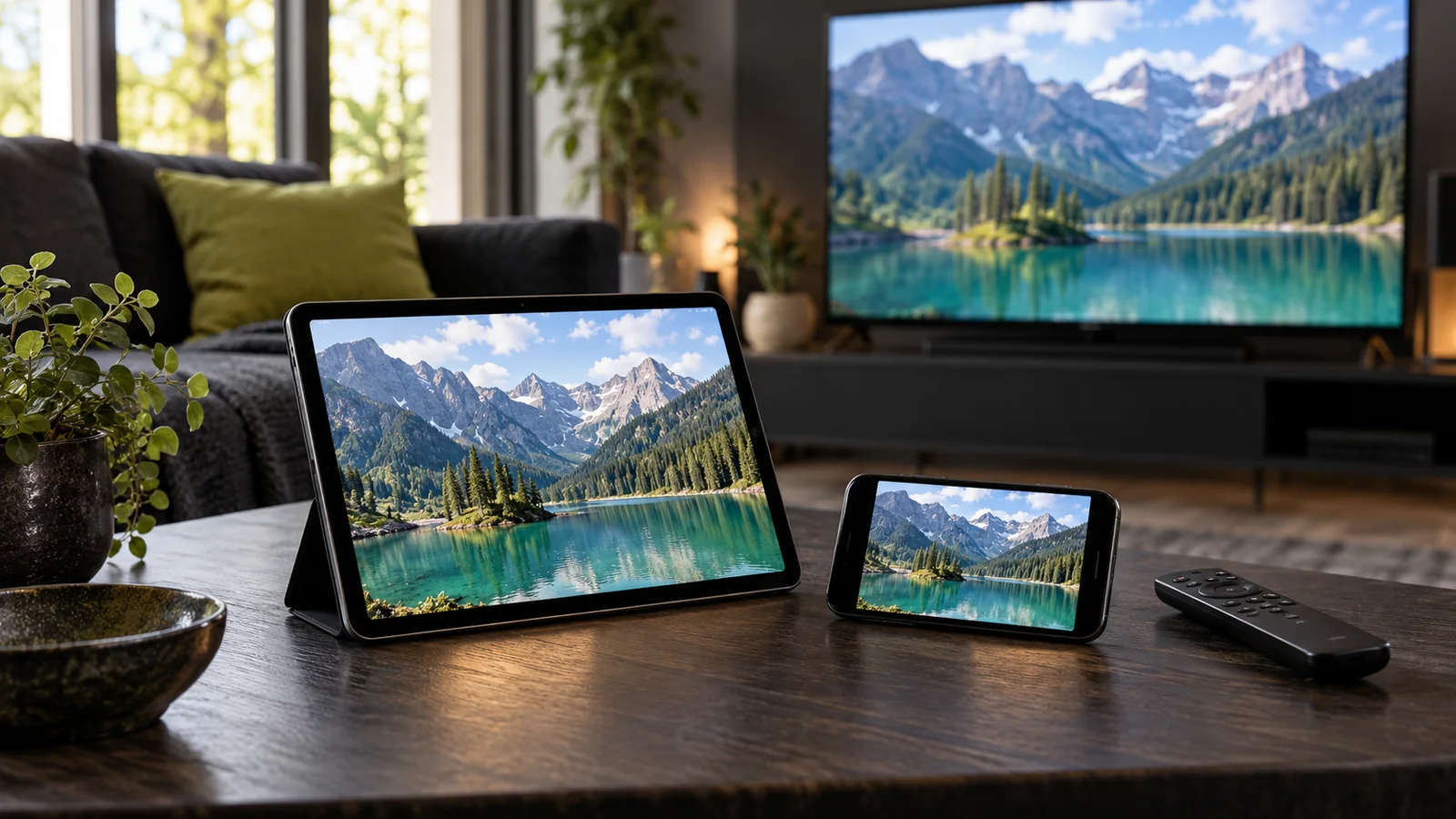
Choose your IPTV player app based on how you navigate. For large living room TVs, prioritize remote-control friendly players like TiviMate or XCIPTV with dedicated channel numbers, electronic program guide grid views, and quick favourite toggles.
For mobile touchscreens (iPhone, iPad, Android), lightweight apps like IPTV Smarters Pro or GSE Smart IPTV offer intuitive swipe gestures and landscape orientation.
Screen resolution alone does not guarantee app compatibility. Older smart televisions running legacy software (pre-2019) may have restricted app stores. In those cases, adding an external 4K streaming dongle is the most dependable choice.
Amazon Fire TV Stick 4K and Google Chromecast with Google TV provide open application ecosystems with frequent firmware updates and native support for all premium IPTV players.
When switching to a new player app or television, your Subscription IPTV UK credentials remain identical. Simply re-enter your Server URL, Username, and Password on the new device.
Remember to stop streaming on your old screen before launching the new session, maintaining the 1 simultaneous stream rule. Re-verify audio tracks and favourite channels on your new hardware. Setup walkthrough helps you connect your pass with step-by-step guidance.